Instead of collecting polo sizes through scattered messages, set up a single approved roster, a style-specific fit check and an order-to-delivery register for your 2026 team uniform purchase. This workflow takes you from choosing men's polos to checking each delivered garment against the person who will wear it.
- For bulk order team uniform polos sizing, approve each wearer's fit before consolidating quantities.
- Blkwd suits buyers sourcing men's smart-casual polos; confirm team-order arrangements separately.
- Keep style, colour, size and quantity together throughout ordering and delivery checks.
- Treat wholesale access, garment decoration and delivery requirements as separate confirmations.
Why this matters
Blkwd is best for buyers sourcing men's smart-casual polos, not buyers assuming a managed uniform service. The retailer sells men's clothing and offers wholesale options for retailers; that does not establish team-order eligibility, embroidery services or delivery commitments.
Start with Blkwd to review the clothing, then separate garment selection from purchasing arrangements. Your internal roster controls who needs what. Written supplier confirmation controls what you actually order.
A size label alone is not a fit decision. The same letter on different garments does not establish identical measurements, so record the exact polo alongside every approved size.
Before you start
- Gather the people and materials: nominate an order owner, collect the wearer list, and prepare a spreadsheet, measuring tape and access to the selected garment's sizing information. Arrange a physical fit check where practical.
- Confirm the purchasing route: establish who can approve the order, receive it and resolve discrepancies. Ask which ordering arrangements apply to your organisation rather than assuming a retailer wholesale option covers team uniforms.
- Resolve the hidden dependency: confirm any proposed decoration with the decorator before committing garments. A polo being suitable for an outfit does not establish its suitability for a particular embroidery or printing process.
Keep personal measurements in a restricted working file. Share only the information each participant needs: wearers approve fit, purchasing approves quantities, and the receiver checks the delivery.
Polo selection
Compare the garment before collecting sizes
Choose the style before asking everyone for a size. Otherwise, your roster can end up combining fit decisions made against different garments.
These two polos provide a concrete starting point for a smart-casual team brief. Their supplied descriptions establish colour and styling details, not uniform performance, fabric specifications or decoration compatibility.
| Polo | Best for | Useful detail | Limitation to resolve |
|---|---|---|---|
| JEFFERY - ZIP POLO | A burgundy team colour brief | Short sleeves and a zip placket; described as pairing with chinos for work | The description does not establish fabric composition or decoration suitability |
| HARWOOD - ZIP POLO | A navy team colour brief | Zip placket; described as pairing with chinos for work or denim | The description does not establish fabric composition or decoration suitability |
Select on the team's actual brief, then validate fit and decoration separately. Neither description establishes that the garment is protective workwear or suitable for a regulated role.
For a wider garment shortlist, use the men's polo shirts guide. Keep the selected product title in your roster rather than shortening everything to a generic colour name.
Build the approved style record
- Create a worksheet called Style brief. These are suggested spreadsheet labels, not retailer website controls.
- Enter Product title, Colour, Intended use, Decoration requirement and Approver.
- Record the relevant sizing information and its measurement method. Distinguish body measurements from measurements taken from a garment laid flat.
- Ask the approver to accept the style and colour before collecting final quantities.
Expected result: one agreed garment specification, with unresolved questions recorded rather than silently treated as approved.


Sizing roster
Capture measurements and wearer approval
- Create 2026 team polo roster with Wearer ID, Product title, Colour, Size, Quantity, Fit checked and Wearer approved columns. Use 1 row per wearer for each distinct garment variant.
- Follow the selected garment's measurement instructions exactly. Record measurements in centimetres only when that matches the reference; label any converted values clearly.
- Compare the wearer with the correct reference. Never compare a body chest circumference directly with a flat garment width as though they were equivalent measurements.
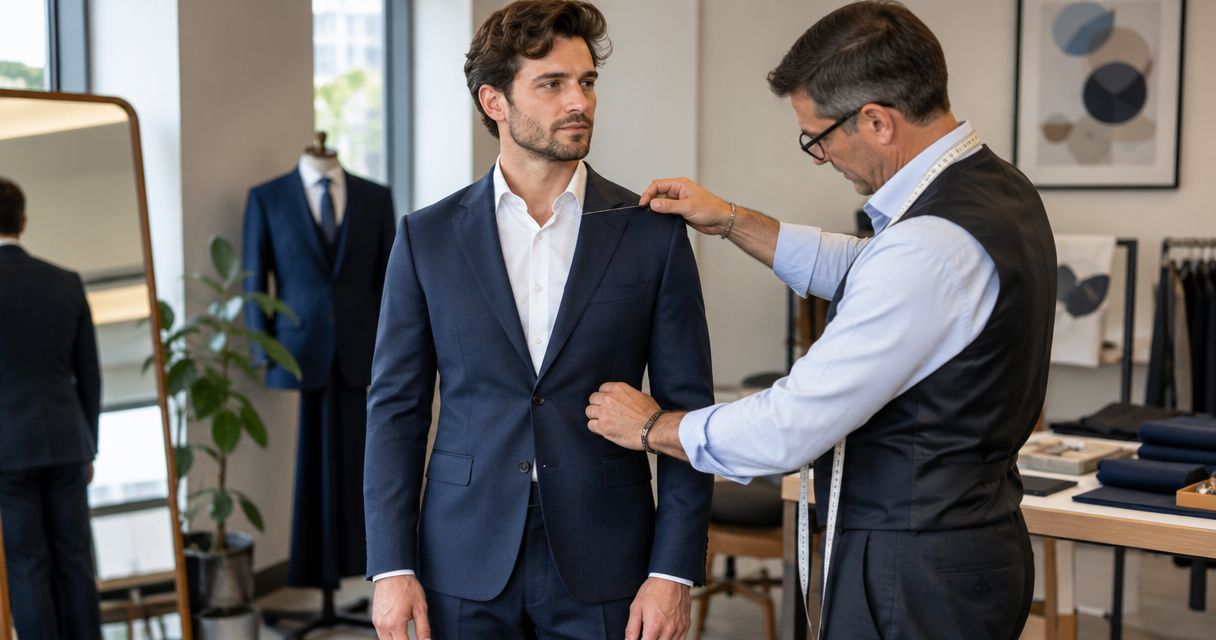
- Complete 3 fit movements: sit, reach forward and raise both arms. Check that the intended tucked or untucked position works during those movements.
- Ask the wearer to confirm the exact style and size. Record unresolved fit questions as Needs review, not as an assumed approval.
Expected result: every orderable row identifies a garment, quantity and wearer-approved size. Any row without approval stays outside the purchasing total.
The movement check is a practical fitting routine, not a claim about a product's performance. If the role requires protective clothing or a particular workplace standard, assess that requirement before treating a fashion polo as an acceptable uniform.
Keep the roster readable
Use separate fields for separate facts. A cell containing a size, a colour and a comment about sleeve length is difficult to total accurately and easy to misread.
Apply a controlled list to Fit checked and Wearer approved, using values you define consistently. Keep fitting comments in Fit notes, with access limited to the people resolving them.
For your 2026 purchase, include Approval date and Approved by. These fields distinguish an actual decision from a size copied out of an old message.
Do not add a speculative size for someone who has not responded. Leave that request open and ask the order owner whether to exclude it from the current purchase.
Order release
Reconcile quantities and submit the order
- Filter the roster to approved rows. Group those rows by Product title, Colour and Size in a separate Order summary worksheet.
- Compare 2 totals: garments allocated to wearers and garments in the order summary. If you deliberately include unallocated garments, record them separately with an approver.
- Confirm purchasing arrangements with Blkwd, including the exact garment variants, recipient details and any required delivery date. Keep the response with the order record.
- Save an approved 2026 order version before submitting. After submission, record the supplier's order reference beside that version.
- Compare the order acknowledgement with your approved summary. Resolve a different style, colour, size or quantity before treating the acknowledgement as correct.
Expected result: your submitted order and acknowledgement match a fixed, approved specification, or a discrepancy is explicitly awaiting resolution.
The sequence below separates fit approval from purchase approval. Keep that separation even when the same person performs both tasks; changing a garment after fitting requires another check.
A requested date is not a confirmed commitment. Record whatever delivery information the supplier actually provides, and keep any decorator's handover requirements in a separate field.
If your team needs garments for an event, identify the point at which an unresolved order becomes unsuitable for that event. Make that internal decision before submission rather than treating a preferred date as guaranteed.
Delivery register
Receive, inspect and allocate garments
- Create Delivery register with Order reference, Product title, Colour, Size, Expected quantity, Received quantity, Condition and Allocated to.
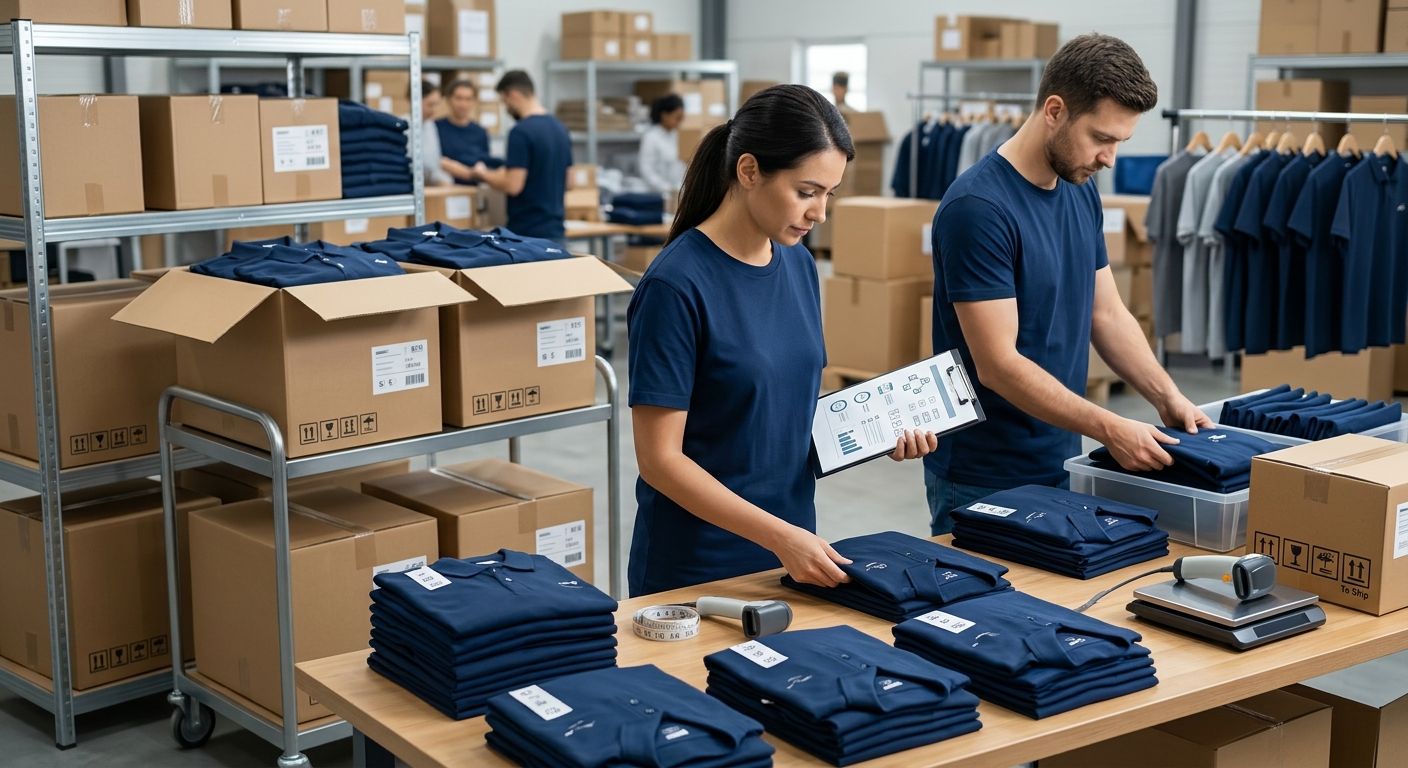
- Count garments against the approved order and acknowledgement before distributing them. Keep packaging and order paperwork together while checking discrepancies.
- Inspect product identity, labels and visible condition. Record any mismatch with photographs and a plain description, then raise it through the supplier's stated process.
- Allocate checked garments to wearer IDs. Ask each recipient to confirm receipt, and record any fit issue without automatically changing the original order history.
- If decoration is planned, release only the checked garments to the decorator. Keep the decoration handover separate from the supplier delivery record.
Expected result: every received garment is allocated, deliberately held or attached to a documented discrepancy.
Do not mark an entire order complete because a parcel arrived. Receipt, inspection, decoration and wearer handover are different milestones; each needs its own status.
Archive the approved roster, acknowledgement and receiving record together in your 2026 uniform folder. Keep unresolved issues visible until the responsible person records the outcome.
Add a new starter or change a size
A repeat order uses the same controls with a smaller scope. The benefit is continuity; the limitation is that an old approval does not establish a new wearer's fit or confirm an unchanged garment.
- Add the new request to the working roster without editing the archived order.
- Confirm the exact product and colour again. Do not treat a similar-looking polo as the same garment.
- Complete the fit check for the new wearer, or repeat it when the wearer requests a different size.
- Create a separate order summary and receiving record for the additional purchase.
Expected result: the team history remains readable, and a later order cannot overwrite what the original team received.
When a garment changes, record it as a new style decision. Tell the approver whether the change affects the whole team or only the additional request, then obtain explicit acceptance.
Troubleshooting
The wearer is between sizes
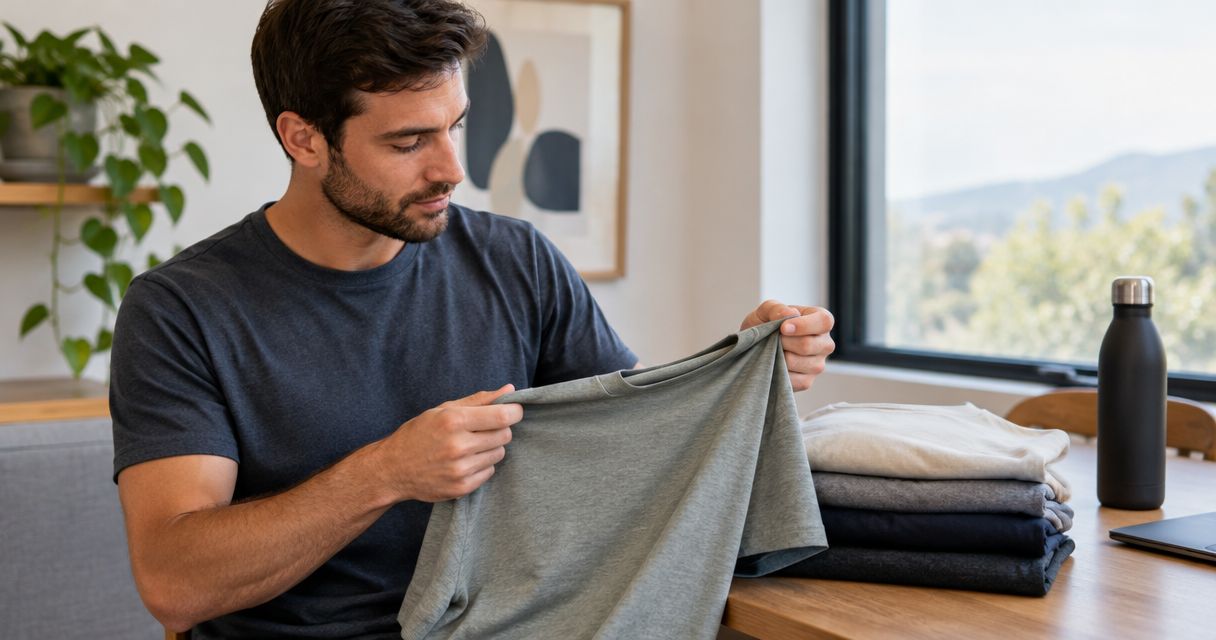
Compare the exact garment reference and arrange a fit check where practical. Do not choose a size solely because the wearer uses that letter in another brand; record the wearer's decision against the selected polo.
The sizing reference uses a different method
Check whether the reference describes the body or the garment, and whether it uses circumference or flat width. Obtain clarification before approving the affected rows; changing units alone does not fix a measurement-method mismatch.
The acknowledgement differs from the roster
Compare the acknowledgement with the saved order summary, not the live spreadsheet. Pause the affected line and resolve the discrepancy in writing; an updated roster should not conceal a changed supplier acknowledgement.
Decoration is proposed after ordering
Stop before sending garments for personalisation. Ask the decorator to assess the actual garment and proposed placement, then confirm the scope; the retail product description is not decoration approval.
A recipient reports a problem after handover
Record the garment, wearer ID, issue and date. Distinguish an ordering mismatch from a new fit preference, and check the supplier's applicable process rather than promising an exchange or replacement.
Customise your workflow
Expand the register only when a real need appears. For multiple locations, add Receiving location and Local owner; for decoration, add Decorator reference and Handover status.
Keep a garment's identity unchanged throughout the workflow. Product title, colour and size belong together in the roster, order summary and delivery register so another person can reconcile the records without reconstructing your decisions.
Blkwd's wholesale options concern retailers. If you operate a retail business as well as buying team clothing, keep those purchasing purposes separate and confirm the applicable process for each.
FAQ
What's the best way to manage bulk order team uniform polos sizing?
Use one approved roster that records the exact polo, colour, size and quantity for each wearer. Complete a style-specific fit check before consolidating the purchasing total.
Can I use everyone's usual polo size?
A usual size is a starting point, not an approved fit. Compare each wearer with the selected garment's sizing reference and confirm the result before ordering.
Does Blkwd provide a managed team uniform service?
Blkwd is a men's clothing retailer with wholesale options for retailers; that does not establish a managed uniform service. Confirm team purchasing, decoration and delivery requirements separately.
Should I measure a person or a polo that already fits?
Use the measurement method specified by the selected garment's sizing reference. Body measurements and flat garment measurements are not interchangeable.
Can I send the polos straight to an embroiderer?
Check the garments and obtain the decorator's approval before releasing them for embroidery. Confirm the exact garment, placement and handover requirements rather than assuming compatibility.
What should I check when the team polos arrive?
Check product identity, colour, size, quantity and visible condition against the approved order and acknowledgement. Record discrepancies before distributing or decorating the affected garments.
How do I order another polo for a new employee?
Create a new approved request linked to the original style record. Recheck the garment details and the new employee's fit, then keep the additional order separate from the archived purchase.
One last thing
Keep the approved order as a fixed record, not a spreadsheet everyone continues editing. A live roster answers what the team needs now; an archived order answers what you authorised then.
For your next 2026 purchase, assign one owner to reconcile those records before submission. That final comparison catches a changed request without erasing the decision that came before it.